Free
0 €
forever
- Two rings, up to 8 slices each
- Every action except macros and clipboard history
- Full recipe gallery
- All 38 themes
 RadialDeckFor Windows PCs
A radial menu for Windows.
Hold the mouse, flick toward an action, let go. Below is the real thing on a pretend PC. Tap it to try.
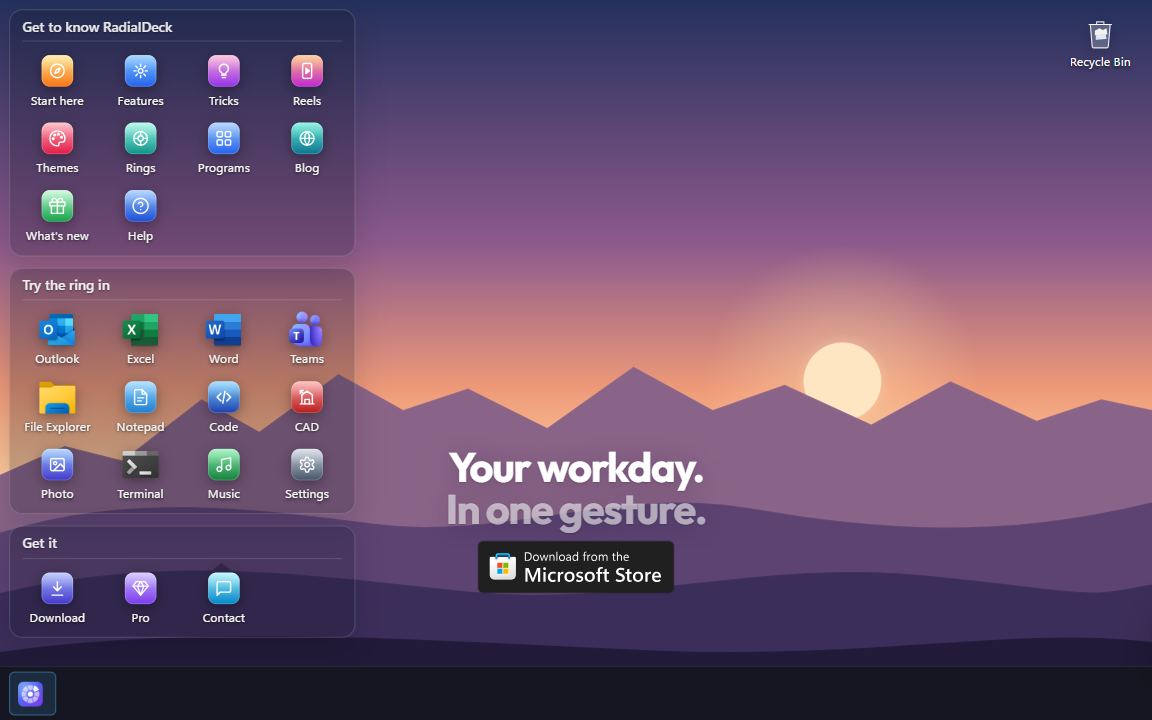
Full screen. Tap as you would click; hold anywhere for the ring, slide to an action, lift.

Free, forever. Two rings, every action except macros and the clipboard history, all 38 themes.
Pro, 24 € a year. Unlimited rings, a ring for each program, nested rings and the bubbles, the drop ring. Try it 14 days first.
New: point at Apps on the ring. Or hold the mouse anywhere, flick, let go.New: press and hold anywhere, slide up to Apps.
RadialDeck is a radial menu for Windows. This ring is real: hold the mouse anywhere, flick, let go.
Kasa Labs
A radial menu for Windows 10 and 11. Free for two rings, forever.
From the Microsoft Store · Pro: 14-day trial, 30-day refund
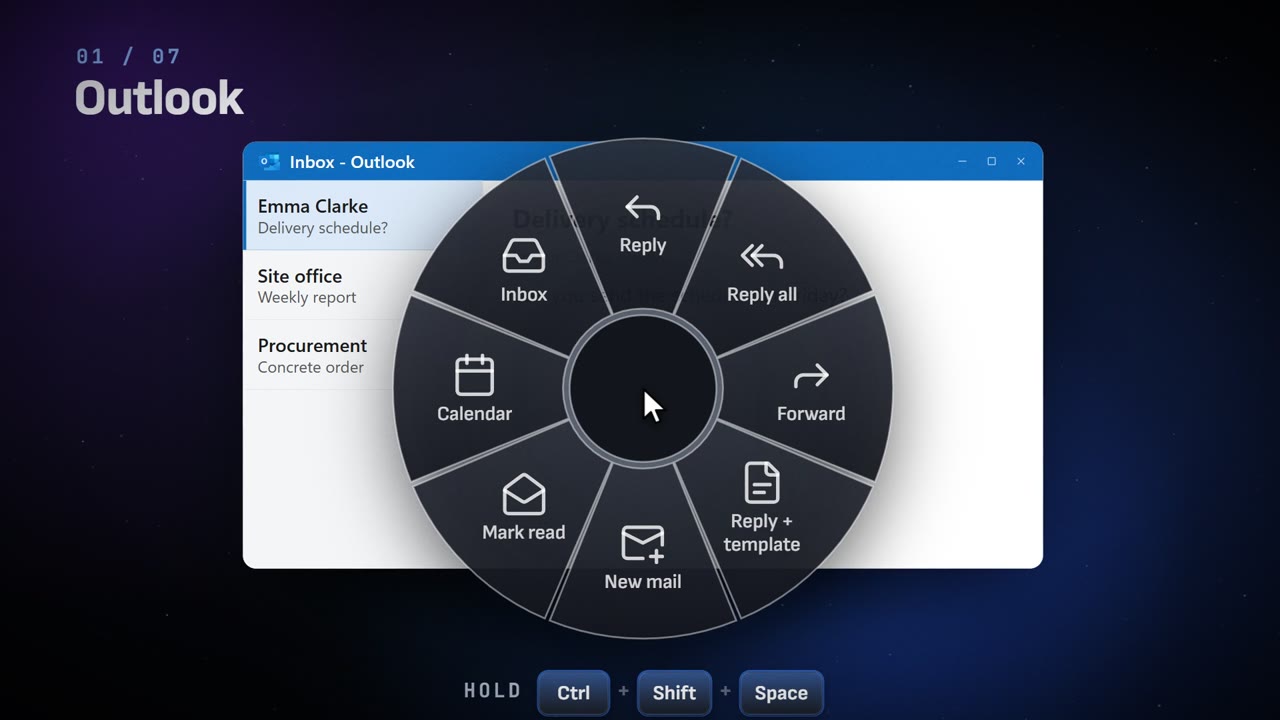
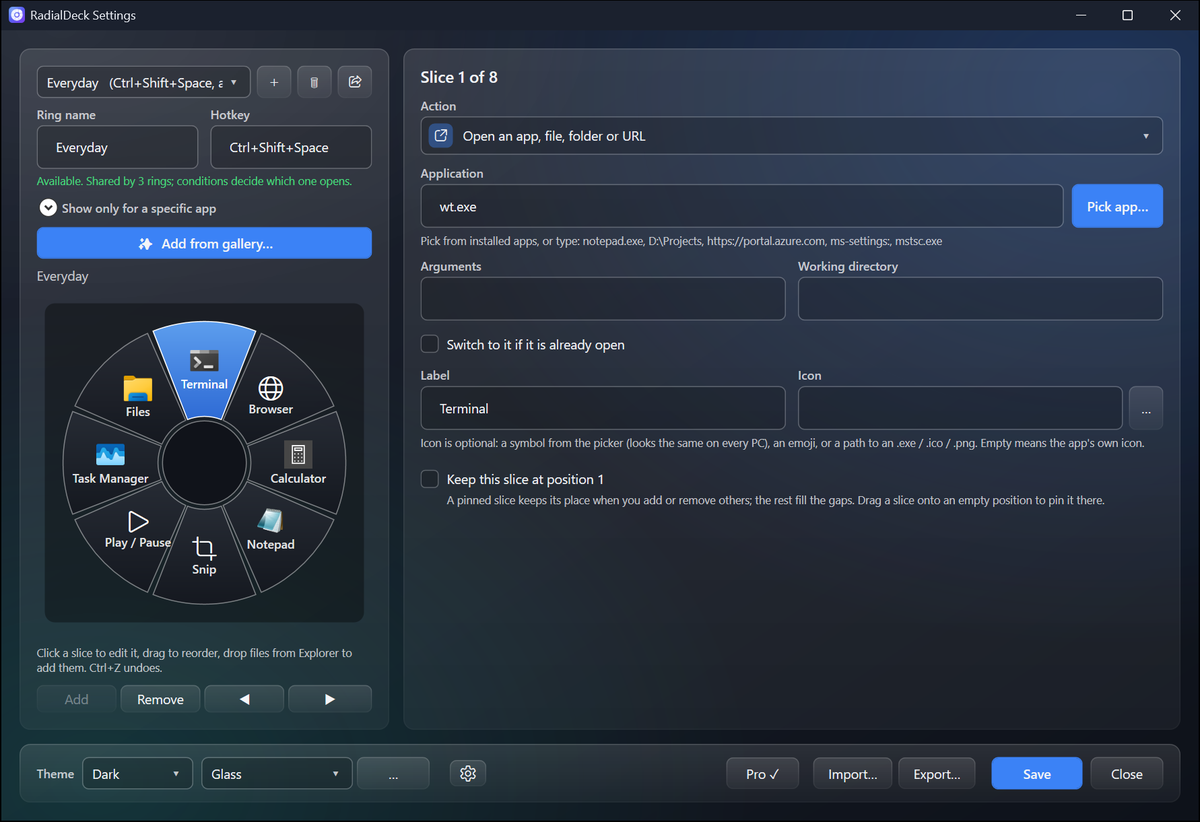
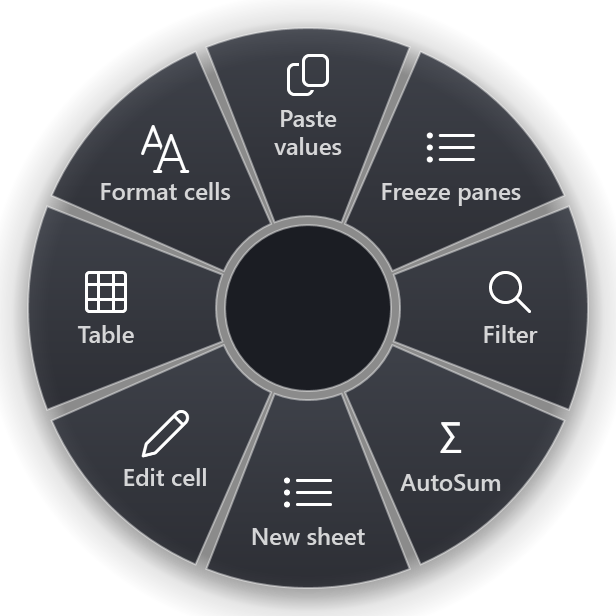
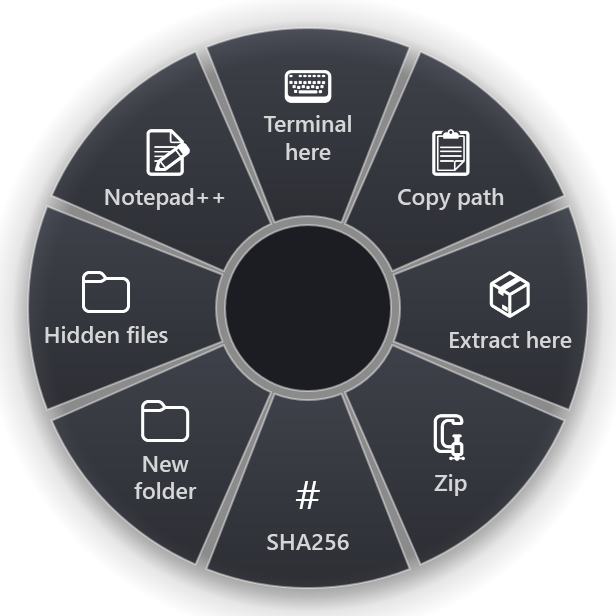
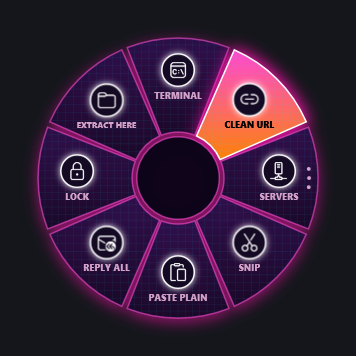
Hold a key or a mouse button, flick, let go. RadialDeck opens a ring of actions right under your pointer, and the ring changes with the program in front: Excel gets Excel's tools, Outlook gets Outlook's.
Launch apps, send shortcuts, fix the text you copied, act on the files you selected in Explorer. 1,400+ ready-made actions for 100+ programs, 38 themes in dark and light. No account and no telemetry. Everything it does.
0 €
forever
24 €
per year, VAT included, cancel any time
10 €
per seat, per year · from 5 seats
Prices include VAT. Lemon Squeezy is the seller of record. Already bought Pro? Get your key · Refund policy · Terms
No star ratings here: RadialDeck is new, and we would rather not show a score it has not earned yet. Read or leave a review on its Microsoft Store page.
Yes. The 14-day trial lets you try every Pro feature before you pay anything.
Yes, from your Lemon Squeezy receipt, or write to us and we will do it. Pro keeps working until the end of the year you paid for, then RadialDeck keeps working as the free version and your rings stay in your config.
Ask for your money back within 30 days of buying it and you get all of it back, no questions asked. The same applies to each yearly renewal. Refund policy.
Lemon Squeezy, the seller of record. It takes care of payment, invoices and VAT; we never see your card.
Nothing found. Ask us and a person answers by e-mail.
Install from the Microsoft Store and that box never appears. For the direct installer: That blue box is SmartScreen. It appears for any new program that has not been downloaded often enough yet, not because something was found in it. Click More info, then Run anyway. To be sure you have the genuine file, compare its SHA-256 (PowerShell: Get-FileHash .\RadialDeck*Setup.exe) with the one on the release page.
No. It installs per user, no UAC prompt. An admin can choose a machine-wide install for a whole helpdesk.
The same app. The Store version is signed by Microsoft, installs without a SmartScreen prompt and is updated by the Store. The installer from radialdeck.com updates itself. Both run on Windows 10 (version 1809 or later) and Windows 11.
Open radialdeck.com/key, enter the e-mail you bought with and the order number from your receipt (it looks like #1042), and it shows your key. The same page brings back a lost key.
On the key page press Activate in RadialDeck: Pro turns on in one click (your browser asks first whether to open RadialDeck). Or copy the key, open RadialDeck Settings, choose License… and paste it. The key works offline.
Yes. A Pro licence is for one person, on the computers that person uses. It is not tied to a machine; move it whenever you want.
RadialDeck notices, falls back to a free combination and tells you. Or use a side mouse button; those are never taken.
Yes. It is one JSON file in %APPDATA%. Save it and the ring updates immediately; a broken file leaves the previous ring running and reports the line number.
Kando is a lovely open-source pie menu. RadialDeck is native Windows, knows the foreground app, reads your Explorer selection and clipboard, and ships with 1,400+ recipes. Try both, or read how they compare.
Nothing about you. Every 6 hours it asks radialdeck.com whether a newer version exists, which counts those checks per day and keeps nothing about you (you can turn that off; the Store build leaves updates to the Store). Once you enter a subscription key, it also confirms that key with radialdeck.com once a day, sending only the key's random id. Privacy policy.
Something else? Write to us.